7 Internet Games to Play When Bored
By Rajat Agarwal, Founder of Play Solitaire Gaming
Discover 7 internet games to play when bored, from solitaire and puzzles to action and multiplayer browser games with no-download options.
You're on a short break, you want something entertaining right now, and you do not want to install anything, create an account, or get trapped in a long session. That's exactly why internet games to play when bored work so well, especially on a phone or laptop when attention is low and the clock is ticking. The best sites for that kind of break are the ones that load fast, keep friction low, and match the kind of boredom you have, whether you want a quiet card game, a puzzle that wakes up your brain, or a quick action hit.
This roundup compares seven browser-game destinations by game variety, mental effort, multiplayer potential, browser access, estimated session length, and monetization. The playtime ranges here are practical planning ranges, not fixed limits, because the same site can fill a two-minute gap or a longer evening depending on the game you pick. For the fastest match, Play Solitaire Gaming is the cleanest choice for focused card play, Poki and CrazyGames are the strongest broad-discovery options, Coolmath Games and The New York Times Games fit puzzle-minded breaks, Armor Games is better for indie and retro flavor, and AARP Games is the most accessible classic-puzzle stop. Check each site's current access, ads, and subscription terms before you settle in.
Table of Contents
- 1. Play Solitaire Gaming
- 2. Poki
- 3. Coolmath Games
- 4. CrazyGames
- 5. Armor Games
- 6. The New York Times Games
- 7. AARP Games
- Top 7 Online Game Sites Comparison
- Choose the Game That Fits Your Break
1. Play Solitaire Gaming
If your boredom calls for something quiet, familiar, and ready now, Play Solitaire Gaming is the cleanest pick. It runs in the browser with no download, no signup, and no ads, so you can start a hand without dealing with pop-ups or account prompts. The site fits a laptop, tablet, or phone, which makes it a good choice for a private card break anywhere.
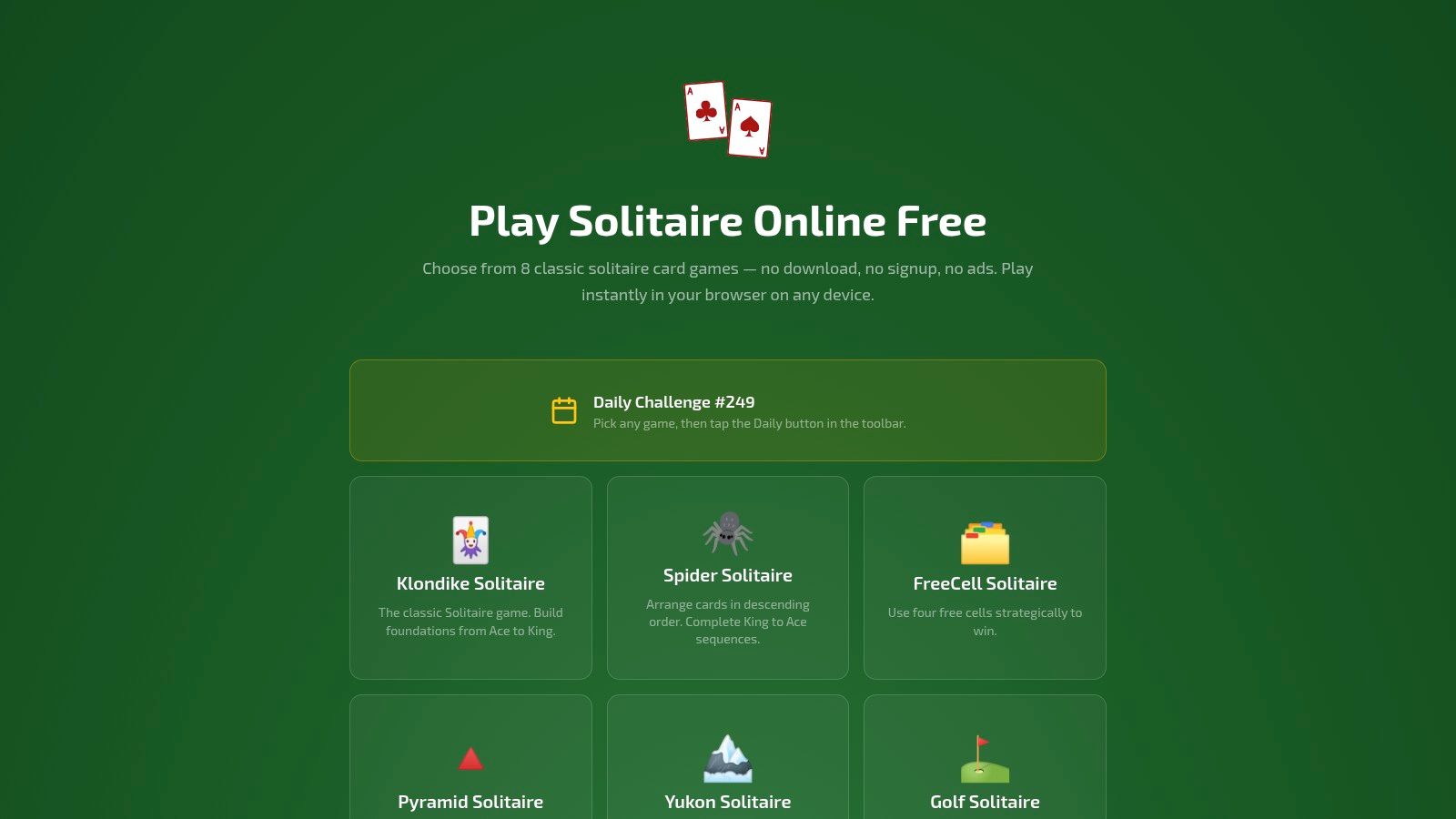
It focuses on eight solitaire variants, including Klondike, Spider, FreeCell, Pyramid, Yukon, Golf, TriPeaks, and Forty Thieves. That range gives you a practical way to match the game to your mood. Klondike and TriPeaks suit tired moments when you want a quick reset, while FreeCell and Spider fit a break where you want more planning and structure.
Why it stands out for short breaks
The controls are straightforward, with drag-and-drop play, smart hints, and unlimited undo/redo. New players can learn without friction, and experienced players can move fast. It also includes daily rotating challenges and global leaderboards for anyone who likes a reason to return, plus optional Google or Apple sign-in if you want private cloud sync for win rates, streaks, and detailed stats across devices. If you want to branch out from the classic setup, the games like Solitaire guide is a useful next stop.
Practical rule: Use this site when you want distraction-free card play that starts immediately and stays low pressure.
Best for
- Focused solo play with no setup.
- Seniors and learners who want low-stress brain training.
- Privacy-conscious users who want to avoid signups.
- Competitive players who like streaks and daily goals.
Trade-off
- There's no native app, so everything happens in the browser.
- Cloud sync requires a Google or Apple sign-in.
Website: Play Solitaire Gaming
2. Poki
Boredom that feels scattered needs a site with range, not another narrow game library. Poki fits that job. It offers 1,500+ free games across action, puzzle, sports, 2-player, .io, and more, and it runs on mobile, tablet, and desktop with no signup required. Open it when you want to sample a few quick games and move on fast.
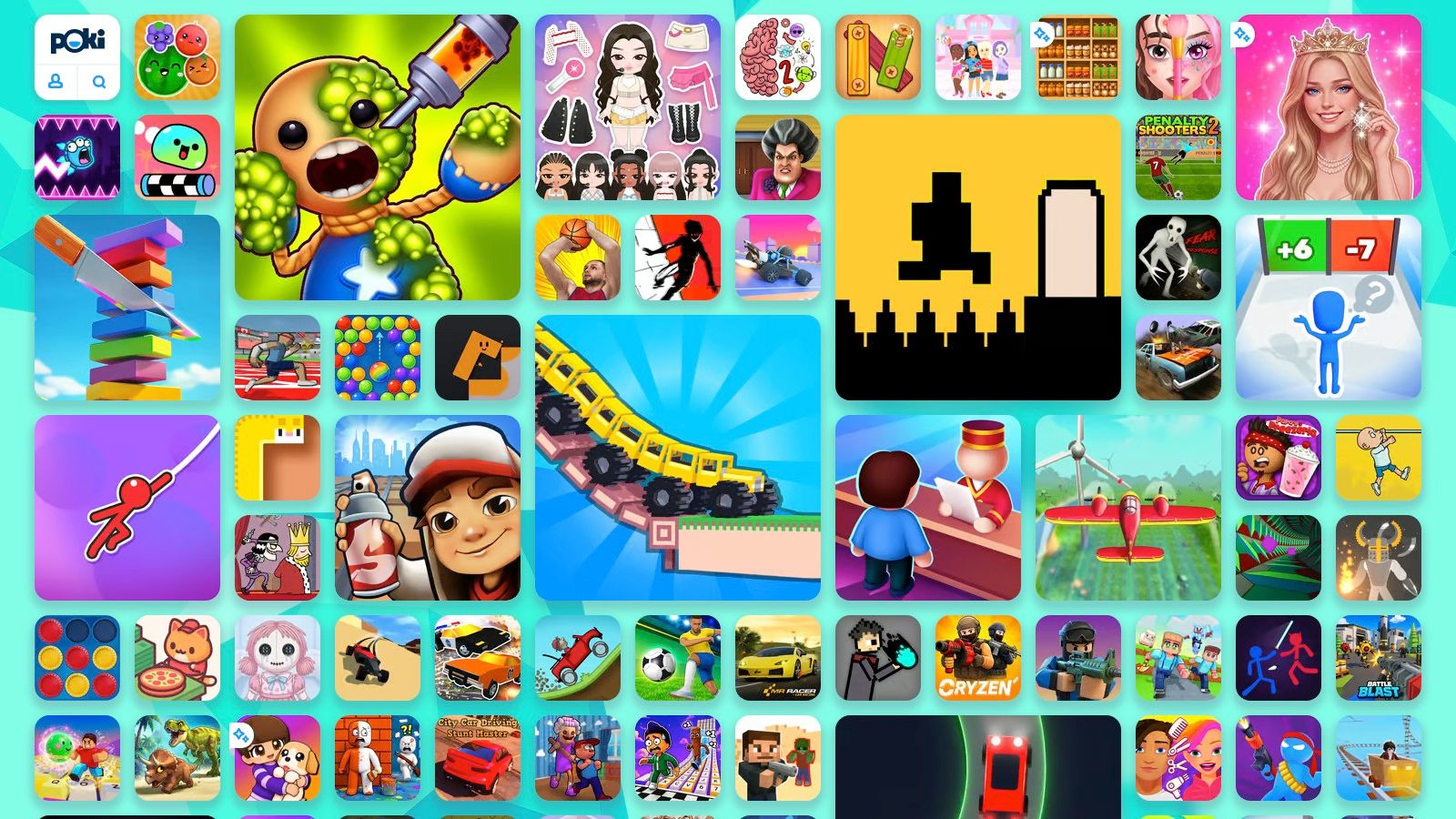
The layout is simple. Popular this week and Top free games make browsing easy, and the mix of Poki exclusives with developer-published titles keeps the catalog from feeling repetitive. If your break is short but your mood is mixed, you can jump from a puzzle to a local 2-player game to a quick action title without downloading anything.
Best fit and worst fit
Use Poki if you want a browser site that works more like a casual game hub than a single-genre destination. It is a smart pick for shared computers, because you can start playing immediately and skip account setup. The trade-off is clear. The catalog is so broad that quality varies, and the site is ad-supported with no global ad-free switch. You get choice first, polish second.
Use Poki when you want quick access to many genres and you do not mind ads.
Best for
- Short, flexible breaks where you may try several games.
- Phone and desktop use without downloads.
- Local 2-player or quick online play when solo games feel dull.
Trade-off
- Ads are part of the experience.
- Game quality is uneven because the library is so large.
Website: Poki
3. Coolmath Games
A math-heavy name, a broader use case. Coolmath Games is the better pick when you want a browser site that asks a little more of your attention without becoming hard to use. It focuses on logic, puzzle, classic, and light action games, and its classroom-friendly reputation makes it feel safe and familiar. It runs on mobile and desktop in the browser, so there is no download step.
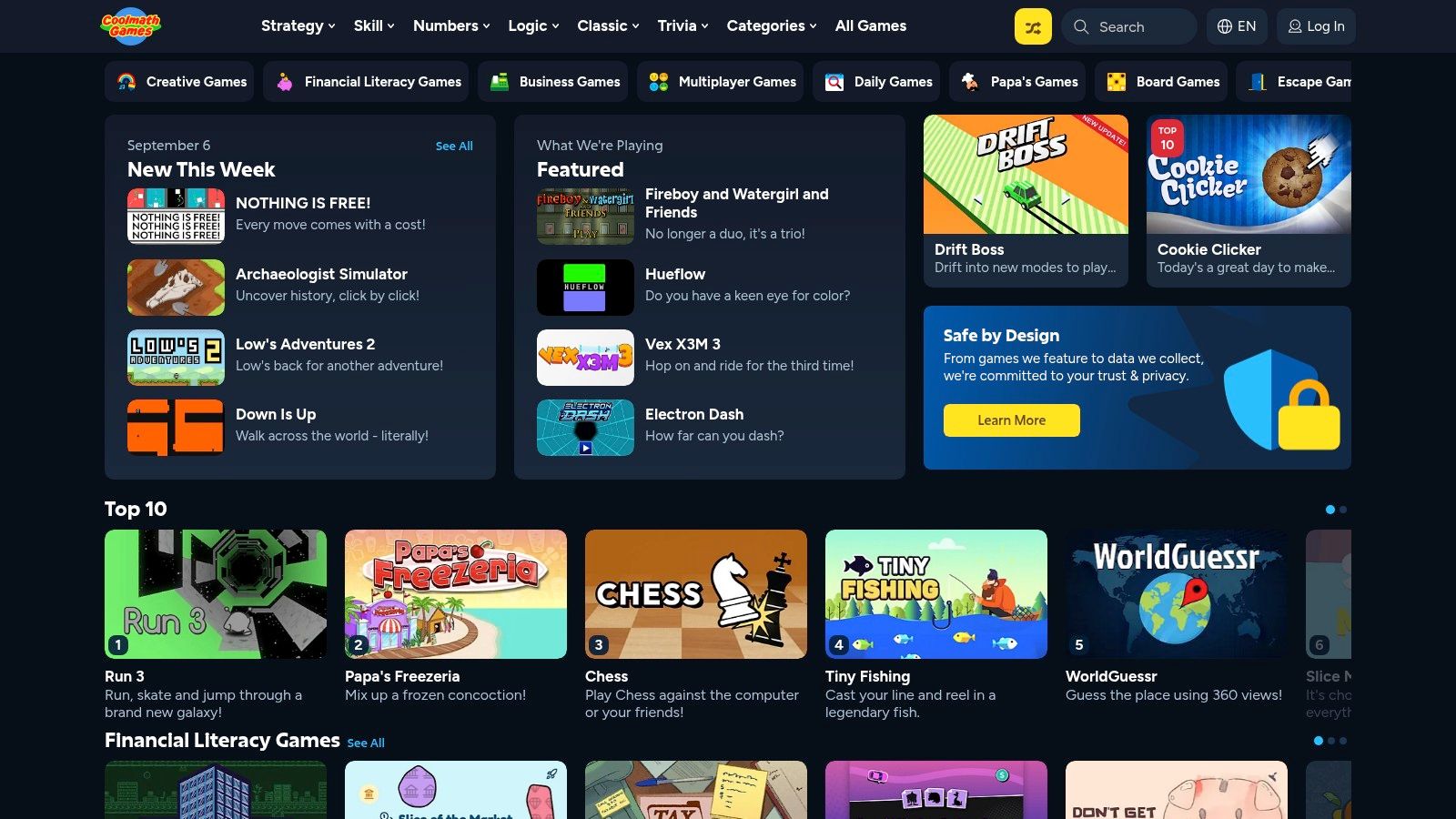
The layout does the heavy lifting. Logic, Classic, Word, and Strategy categories make it easy to choose based on mood, whether you want a fast brain teaser or a slower, more methodical round. The site also offers optional Premium Access for players who want to remove ads and get cosmetic perks, while free visitors can still play without creating an account.
Use Coolmath Games when your boredom calls for a calm, puzzle-first break. It fits school downtime, family use, and short sessions where you want the game to be the focus, not the menu. The trade-off is simple. Free play includes display and video ads, so it is not the cleanest option if interruptions bother you.
Best for
- Quick logic and puzzle sessions.
- Students and families who want a familiar site.
- Desktop or mobile play without downloads.
Trade-off
- Free play includes ads.
- The site stays lighter and educational instead of flashy or high-speed.
Website: Coolmath Games
4. CrazyGames
Need something faster and flashier than a puzzle-first site? CrazyGames is the better fit. It focuses on action, racing, shooters, puzzle, idle, and multiplayer games, and it opens in the browser with no signup necessary. That makes it a strong pick for players who want to jump straight in and sample a lot of different games without committing to one style.
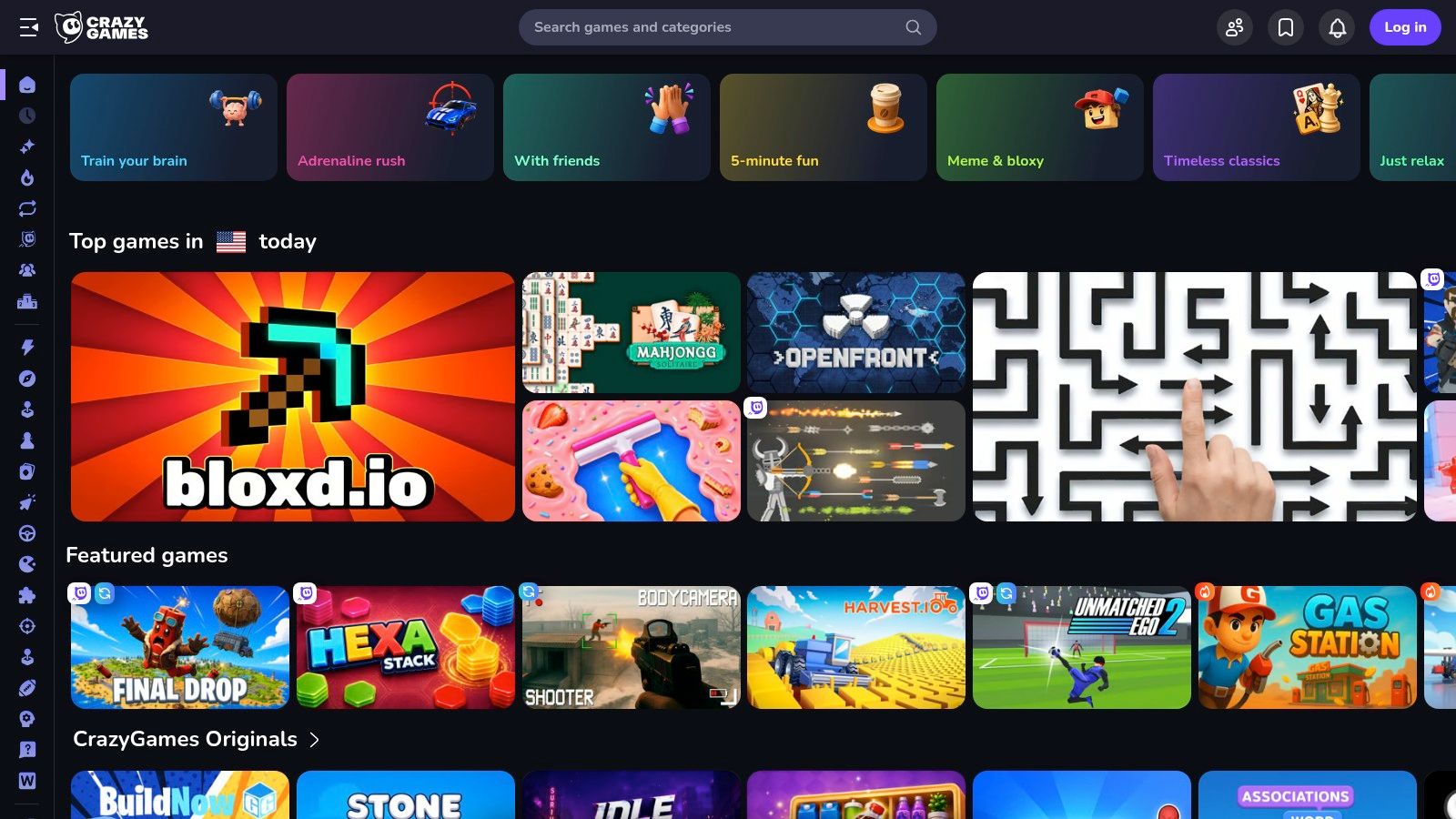
Variety is the key advantage. You can try a game for a few minutes, quit, and move on without friction, which suits restless breaks better than slower, menu-heavy sites. The catalog also skews toward smooth HTML5 and WebGL experiences, so the games usually look and feel more modern than older portal-style options. If your boredom comes from wanting novelty, this site keeps the pace up.
What to expect
Use CrazyGames when you want quick access, modern visuals, and a broad mix of genres. It also offers optional mobile apps on iOS and Android if you prefer a native shortcut. The trade-off is clear. It is ad-supported, ad frequency changes by game, and open submissions mean quality is not always consistent.
Best for
- Short, high-energy breaks.
- Players who like trying many genres.
- Desktop or mobile users who want browser play with no signup.
Trade-off
- Ads vary from game to game.
- Game quality is less even than on curated sites.
Website: CrazyGames
5. Armor Games
If your boredom needs something with more personality, Armor Games delivers. It centers on indie and classic web games across puzzle, strategy, action, and RPG categories, and the site still uses community ratings and playlists to help you filter the good stuff from the rest.
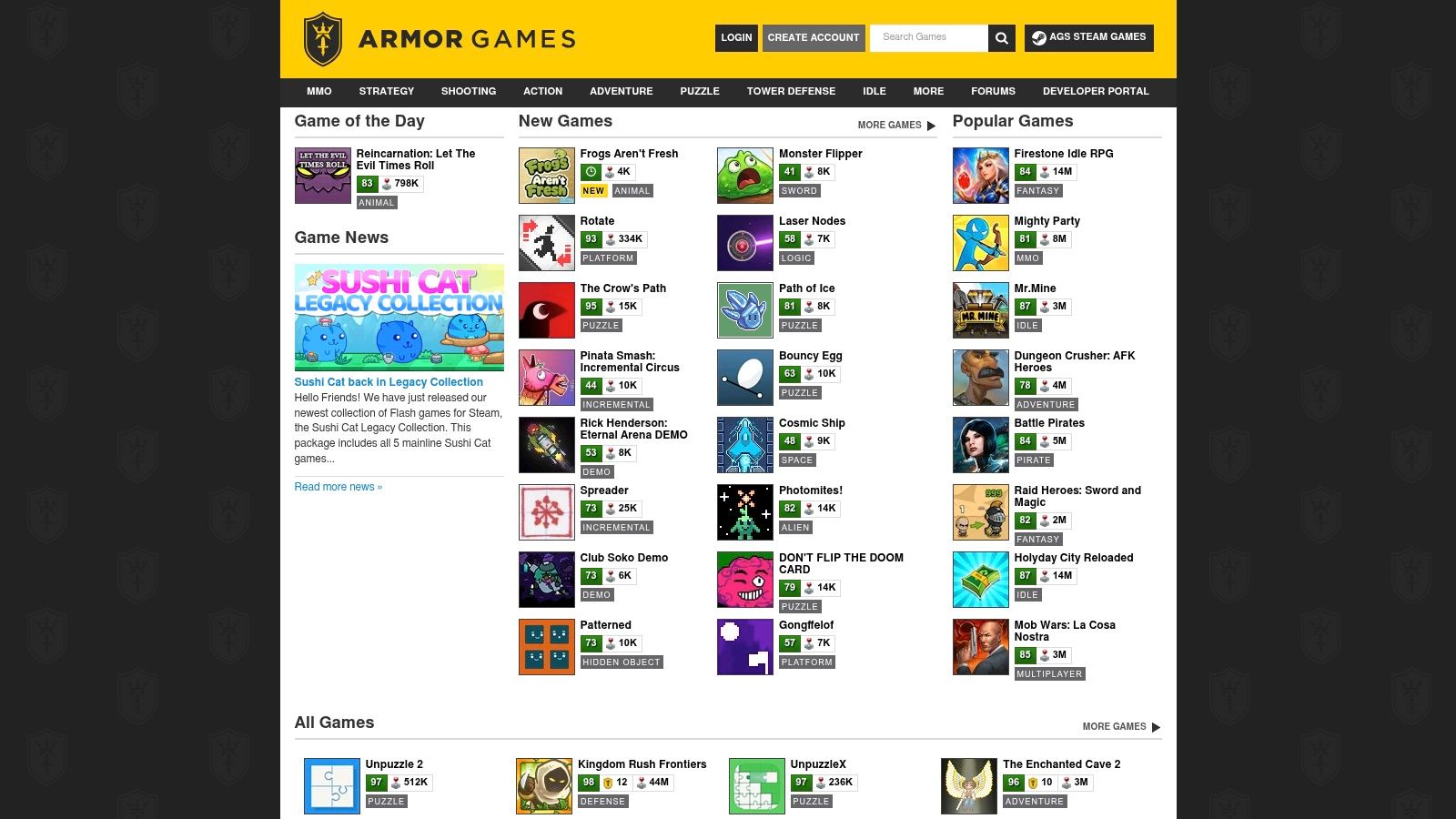
Use it for browsing, not hunting for the latest mass-market hit. The catalog mixes new and legacy titles, and the publishing side still backs original indie projects, so the site feels more curated than a generic portal. That makes it a smart pick if you are tired of shallow, samey games and want something with a little more identity.
What it does well
Armor Games works best for players who want to discover rather than just burn a few minutes. The layout is straightforward, and the community tools make it easier to avoid weak picks. Older titles can be less convenient to launch, some may require emulation or send you elsewhere, and the site is still ad-supported, so expect a few frictions.
Armor Games makes sense when you want a web game that feels like a real project, not just a quick distraction.
Best for
- Indie and retro fans.
- Players who care about ratings and playlists.
- Browser users who want strategy or puzzle depth.
Trade-off
- Some older games are harder to open.
- The interface looks dated in places.
Website: Armor Games
6. The New York Times Games
Your break is short, and you want something that feels deliberate. The New York Times Games fits that brief with polished word and logic options like Crossword, Mini, Spelling Bee, Connections, Wordle, Sudoku, Tiles, Letter Boxed, and Strands. It works in the browser and in the NYT Games app, so you can keep the same routine on different devices.
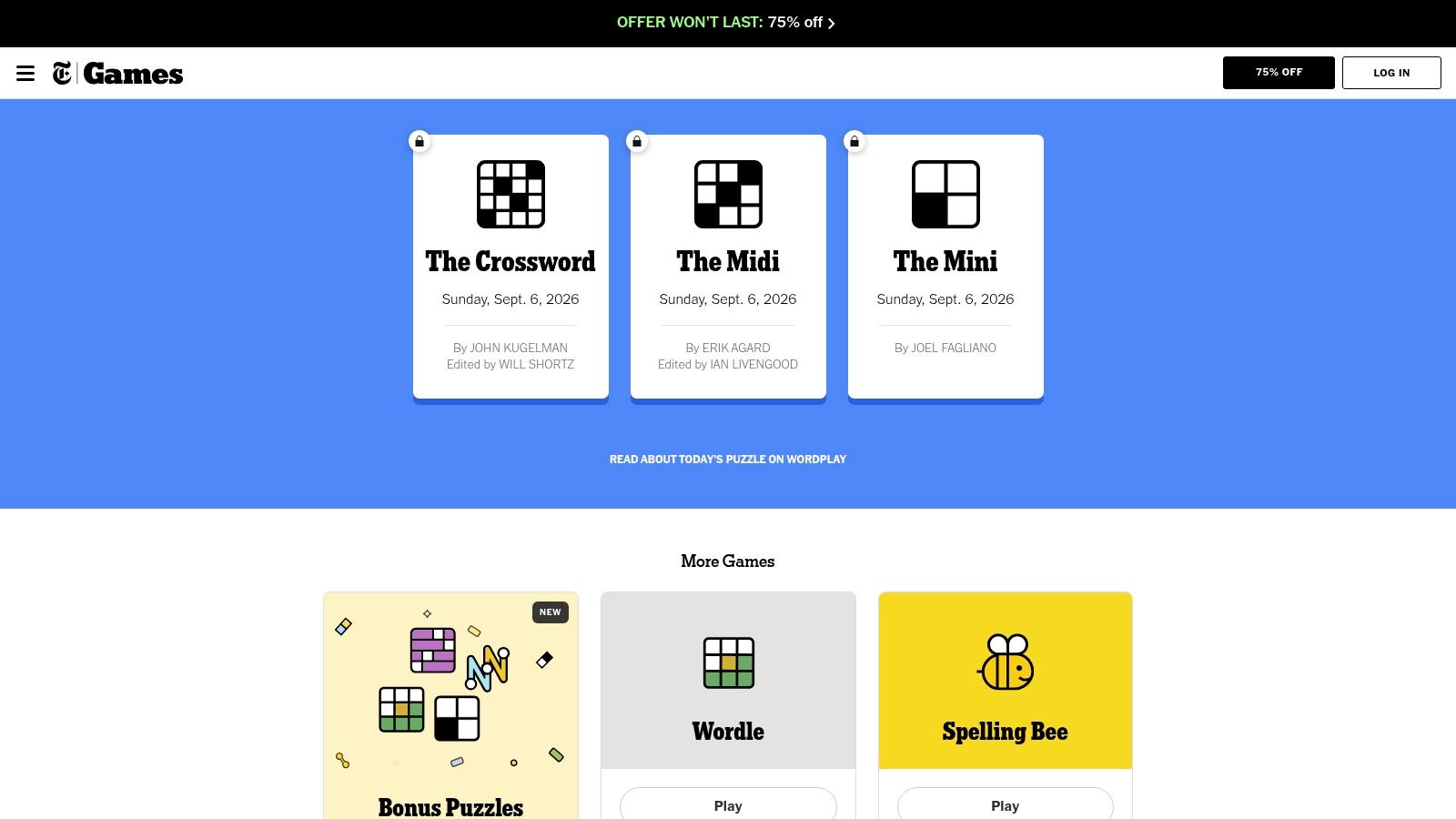
Use this site if you want a structured daily puzzle habit, not a place to browse endlessly. Wordle stays free daily, but most of the catalog, archives, synced stats, and WordleBot sit behind a NYT Games or All Access subscription. If you care about streaks and want your progress to follow you across devices, that paywall makes sense. If you only want occasional free play, it does not.
The cleanest way to judge it is by routine. Readers who like a steady puzzle check-in should start with this daily solitaire habit routine, then add The New York Times Games for word and logic variety. Readers who want one-off distractions should look elsewhere.
Best for
- Daily puzzle players who want a fixed routine.
- Word and logic fans who want polished design.
- Subscribers who care about archives and stats.
- Browser or app users who switch devices often.
Trade-off
- Most games and archives require a paid subscription.
- It is a strong fit for repeat play, not random browsing.
Website: The New York Times Games
7. AARP Games
AARP Games fits the “I want something familiar and low-effort” mood. Open it when you want a readable site with classic puzzles, not a giant arcade. Daily Crossword, Sudoku, Mahjongg Dimensions, word searches, solitaire, and more are all available in the browser, so there is no download hurdle and no learning curve to fight through.
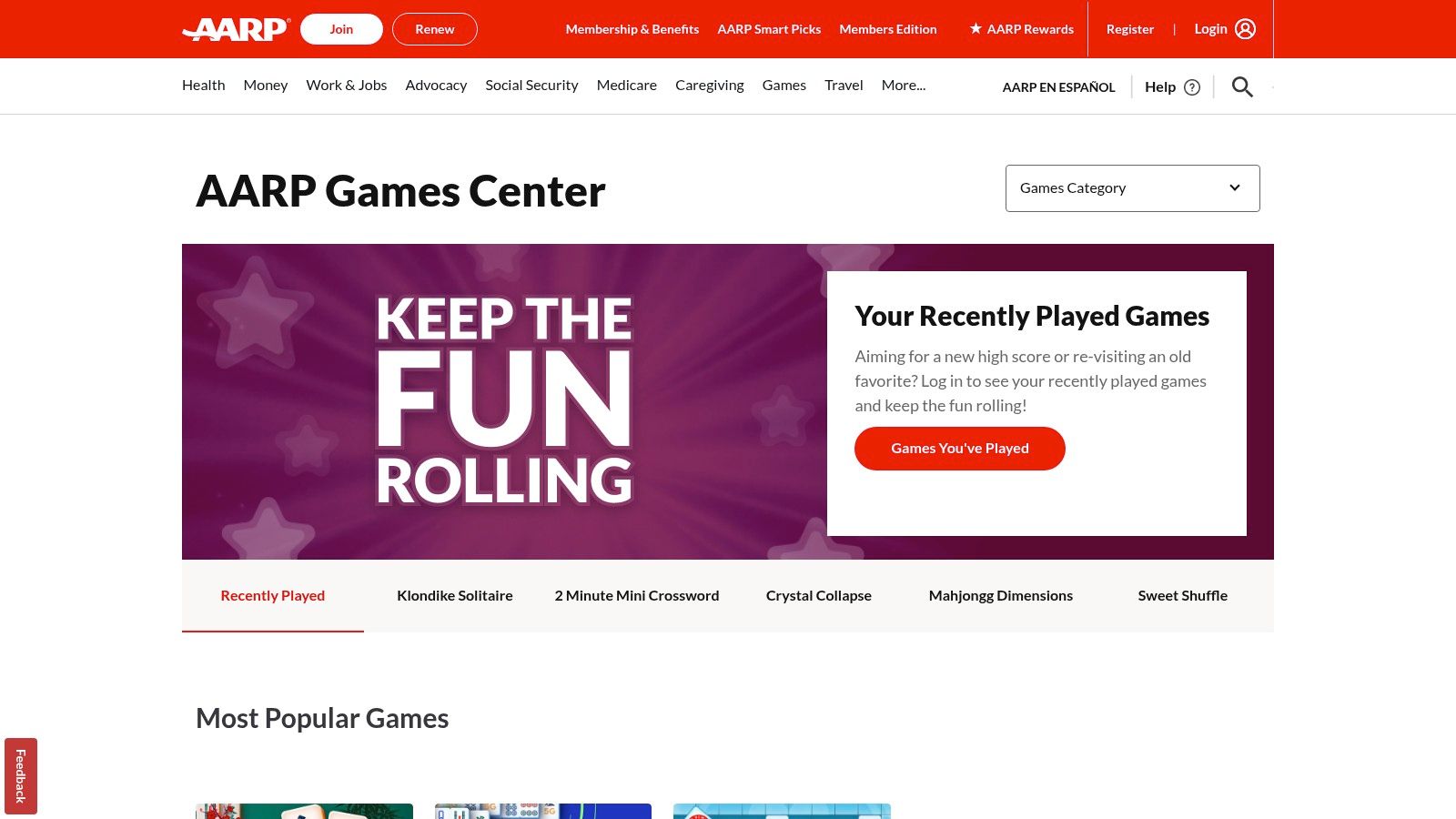
The site works well for short sessions on smaller screens because the layout stays plain and readable. It also suits players who like returning to the same kind of puzzle and do not want a site that keeps pushing novelty. Free games are available, while membership adds extra perks and ads remain part of the experience for non-members.
Use it for calm, repeatable browser play. If you want card-game options that match that same low-pressure style, the easy card games for seniors guide is a useful next read.
AARP Games is not for people chasing action or fast discovery. It is for readers who want brain-training staples, daily routines, and a clean interface that does not get in the way.
Best for
- Accessible casual play that stays simple.
- Small-screen use with a readable layout.
- Classic puzzle and card-game fans.
- Repeat visitors who like familiar routines.
Trade-off
- Ads appear for non-members.
- The catalog stays close to classic puzzle and card games.
- It offers less variety than larger portals.
Website: AARP Games
Top 7 Online Game Sites Comparison
| Platform | 🔄 Implementation complexity | ⚡ Resource requirements | 📊 Expected outcomes | 💡 Ideal use cases | ⭐ Key advantages |
|---|---|---|---|---|---|
| Play Solitaire Gaming | Low, browser-only, simple UI | Minimal, lightweight JS; optional cloud sync | Short-focused sessions; improved solitaire skill; streaks | Casual pick-up play; learners & seniors; privacy-focused users | Truly ad-free; 8 polished variants; unlimited undo; daily challenges |
| Poki | Low, instant-play portal with varied tech per title | Variable, light to moderate depending on game; ad-supported | High variety short sessions; rapid discovery of trending games | Kill boredom; explore many genres; quick multiplayer matches | Massive library (1,500+); mobile-ready; clear discovery sections |
| Coolmath Games | Low, curated, classroom-friendly platform | Minimal, browser-based; optional Premium for ad-free | Brain-engaging, educational quick plays | Schools, families, learners seeking safe content | Trusted for education; curated puzzles; ad-free via Premium |
| CrazyGames | Medium, many WebGL/HTML5 3D titles, modern stack | Moderate–high for 3D titles; optional mobile apps; ad-supported | Engaging modern gameplay; varied depth and graphics | Try modern 3D/web games; short competitive sessions | Wide, frequently updated catalog; smooth 3D/multiplayer options |
| Armor Games | Low–Medium, curated indie portal; some legacy emulation | Moderate, mix of HTML5 and legacy content; ad-supported | Discovery of indie and retro titles; community-curated picks | Indie/retro game exploration; curated collections | Strong indie/retro selection; community ratings & playlists |
| The New York Times Games | Low, polished, minimal-friction implementation | Minimal base; subscription for full archives/stats sync | Daily brain workouts with robust tracking (subscribers) | Daily puzzle routine; word/logic training; subscribers | Highly polished puzzles; cross-device sync; popular titles (Wordle, Crossword) |
| AARP Games | Low, simple, senior-friendly UI and controls | Minimal, browser-based; ads unless member | Accessible cognitive exercises; repeatable classics | Seniors; easy-read gameplay; classic card/puzzle routines | Clean, readable presentation; large catalog of classic puzzles/cards |
Choose the Game That Fits Your Break
Pick Play Solitaire Gaming when you want an ad-free, no-download card game with optional daily challenges and cross-device stats. Choose Poki or CrazyGames when variety matters more than depth and you want to jump between genres fast. Go with Coolmath Games or The New York Times Games when you want structured puzzles, cleaner mental engagement, and a short session that feels intentional.
Use Armor Games when you want indie flavor, retro discovery, and community curation instead of a huge generic catalog. Choose AARP Games when you want accessible classic play with a simple layout and familiar puzzle staples. Before you commit, check the site's current session length fit, browser compatibility, ads, sign-in requirements, and subscription limits, because those details decide whether a game feels relaxing or irritating after the first click.
The smartest habit is simple. Bookmark one destination for quick breaks, then try a different category when the current one stops feeling fresh. A good browser game should make boredom easier to handle, not add more friction to your day.
If you want the fastest possible start, Play Solitaire Gaming gives you instant browser play, eight polished solitaire variants, and no signup barrier. It's built for the exact moment when you want a quiet game that respects your time and keeps the experience clean. Visit Play Solitaire Gaming and keep it handy for the next short break.
Ready to play?